Screen Tour
Enflow chains how every unit does its job into one flow. Below, unit by unit: the operating basis and that unit's real screens.
Screenshots are captured from the Enflow demo environment; all data is illustrative and contains no real customer or tender data.
Executive
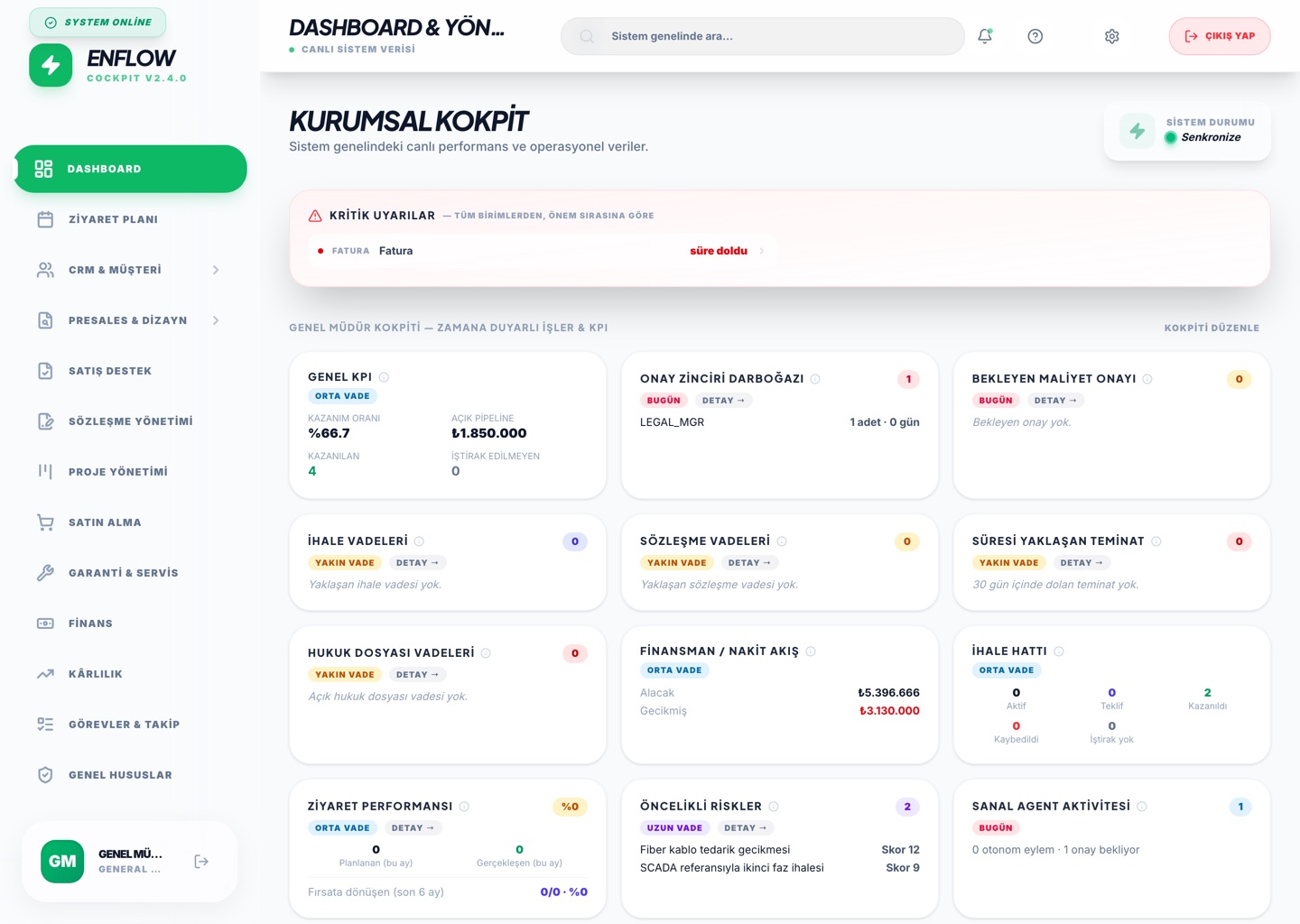
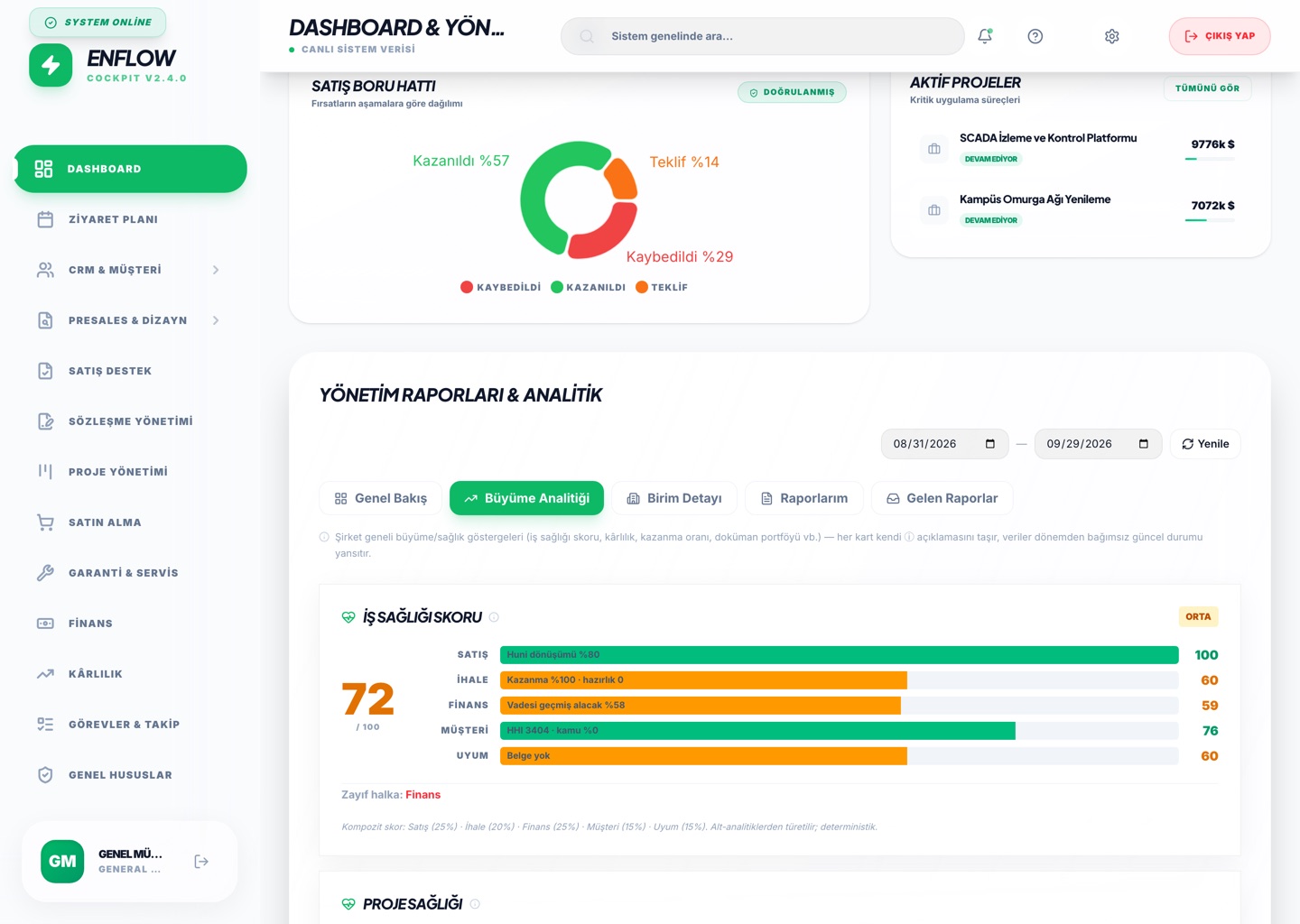
When the GM and senior management sign in, they see a role-based cockpit: critical deadlines from every unit ranked by urgency, with role-specific KPI cards below. Where an approval is waiting in the chain is visible on one screen.
Unit Reports
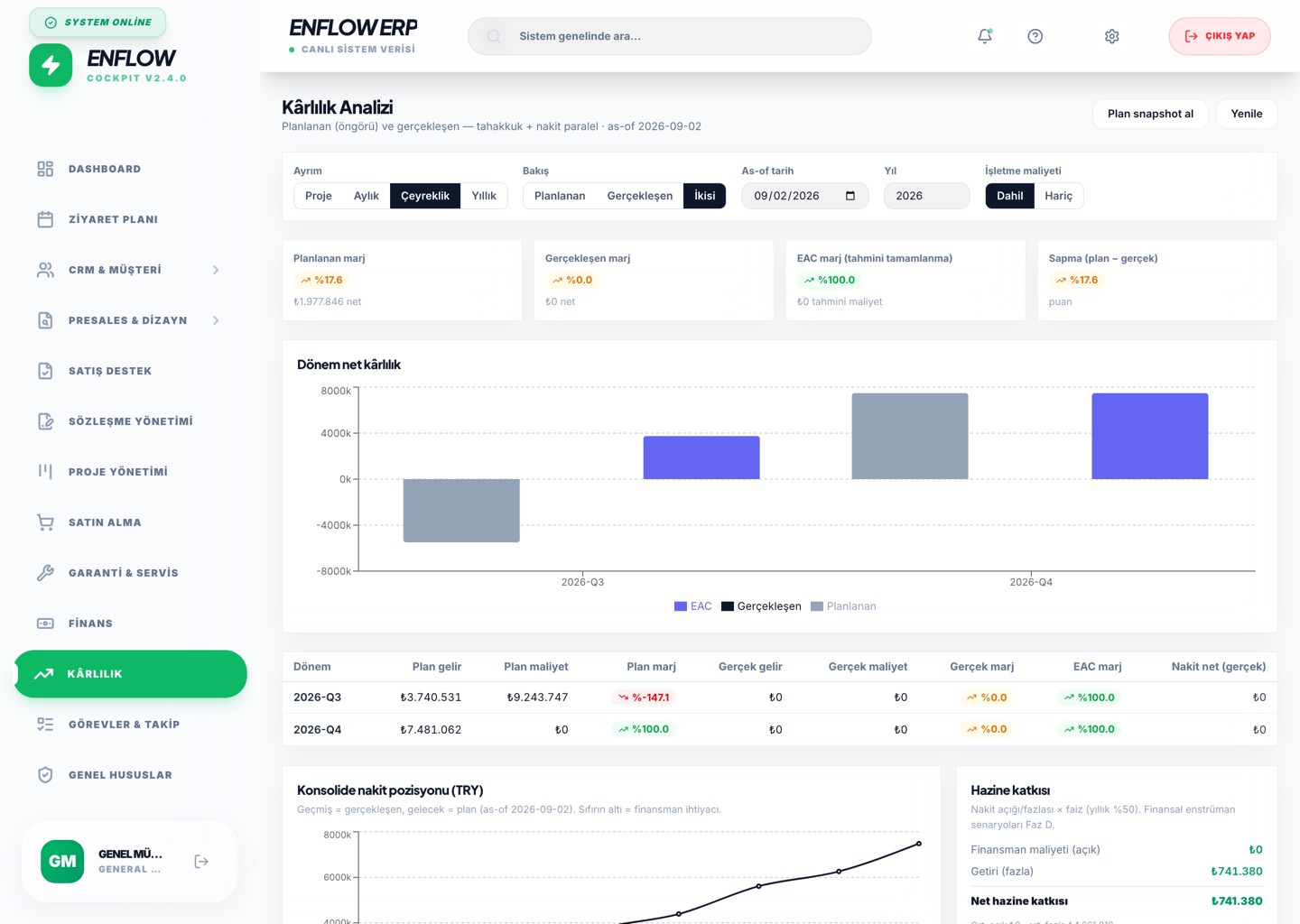
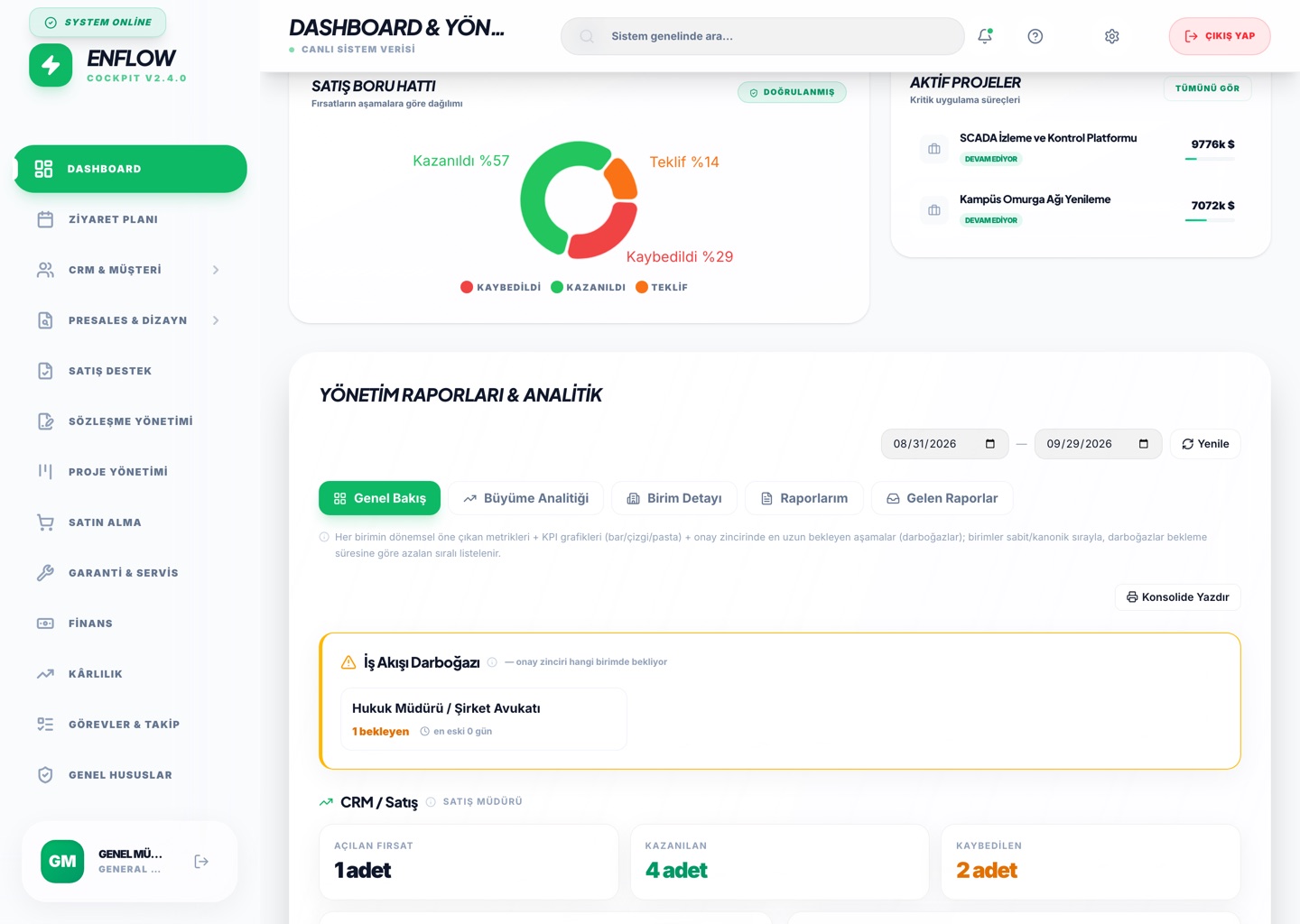
Each unit reports its period metrics on the same template. The system compares against the previous period automatically (▲/▼) and surfaces the longest-waiting unit in the approval chain as the bottleneck.
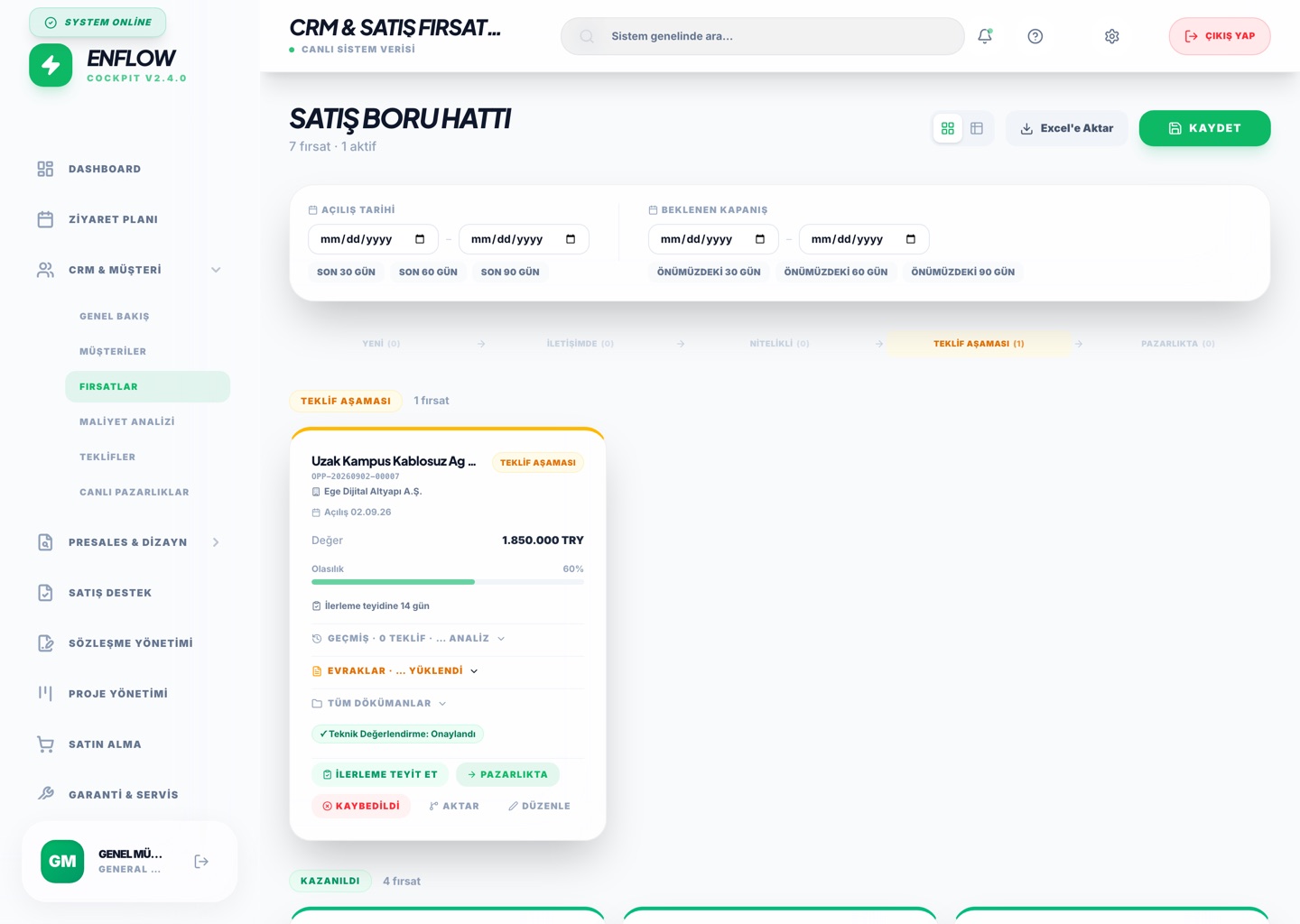
CRM / Sales
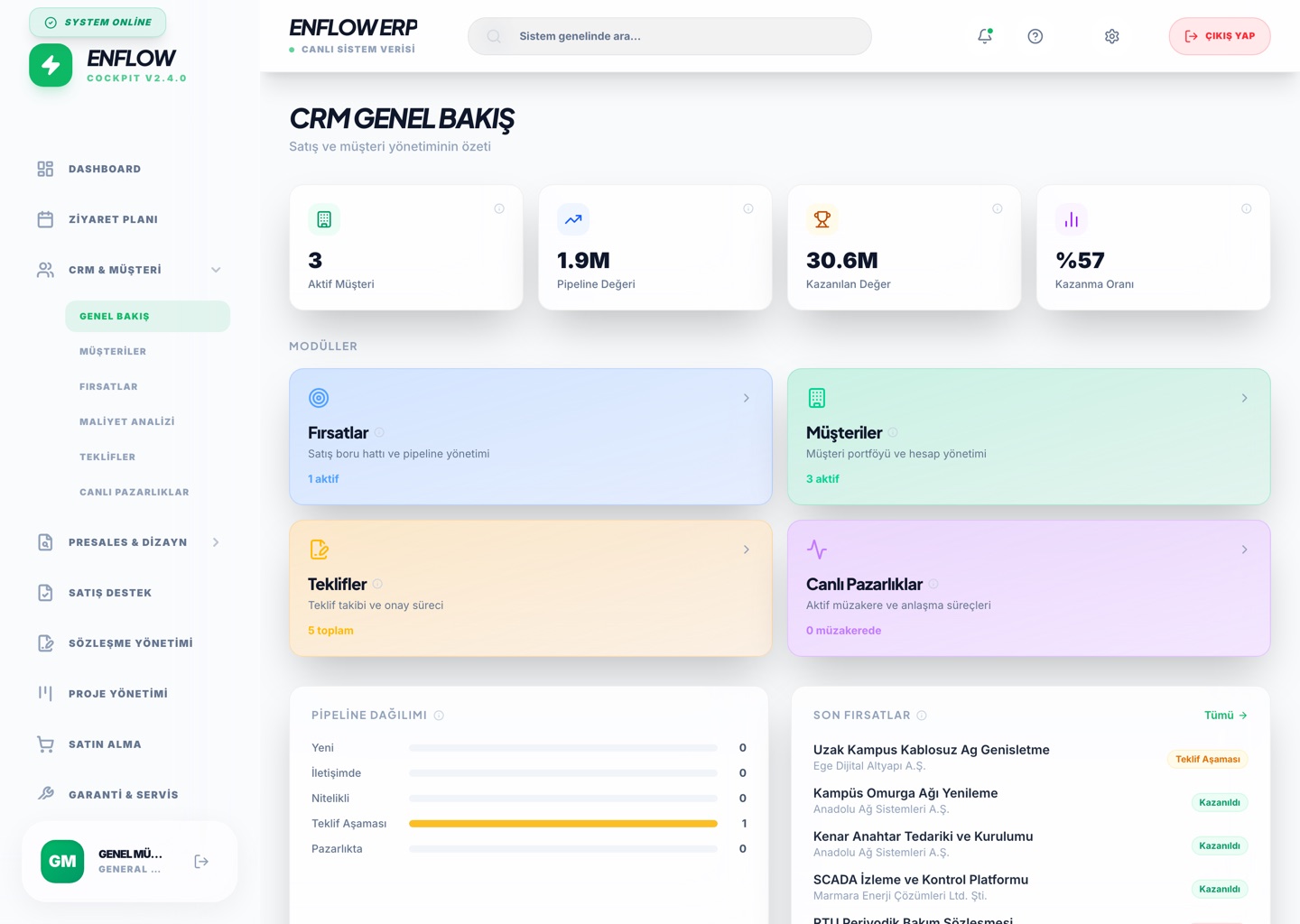
A field visit becomes an opportunity; as it moves stage to stage, pipeline value, win rate and the customer portfolio update live. The proposal approval process starts here.
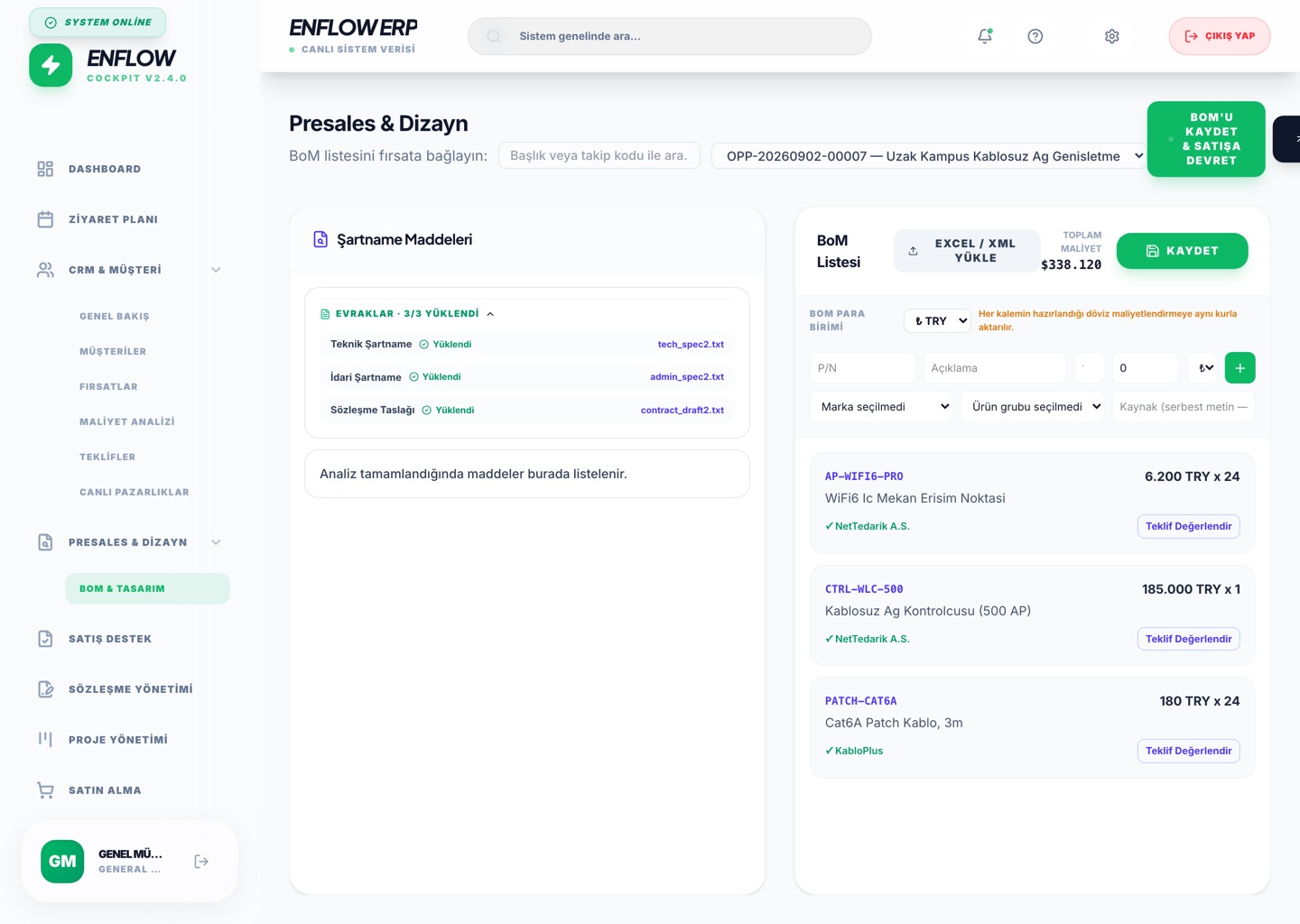
Presales / Technical
The technical team prepares the bill of materials (BoM) and cost tied to the opportunity; once approved it hands off to procurement automatically. Proposal margin takes shape on this screen.
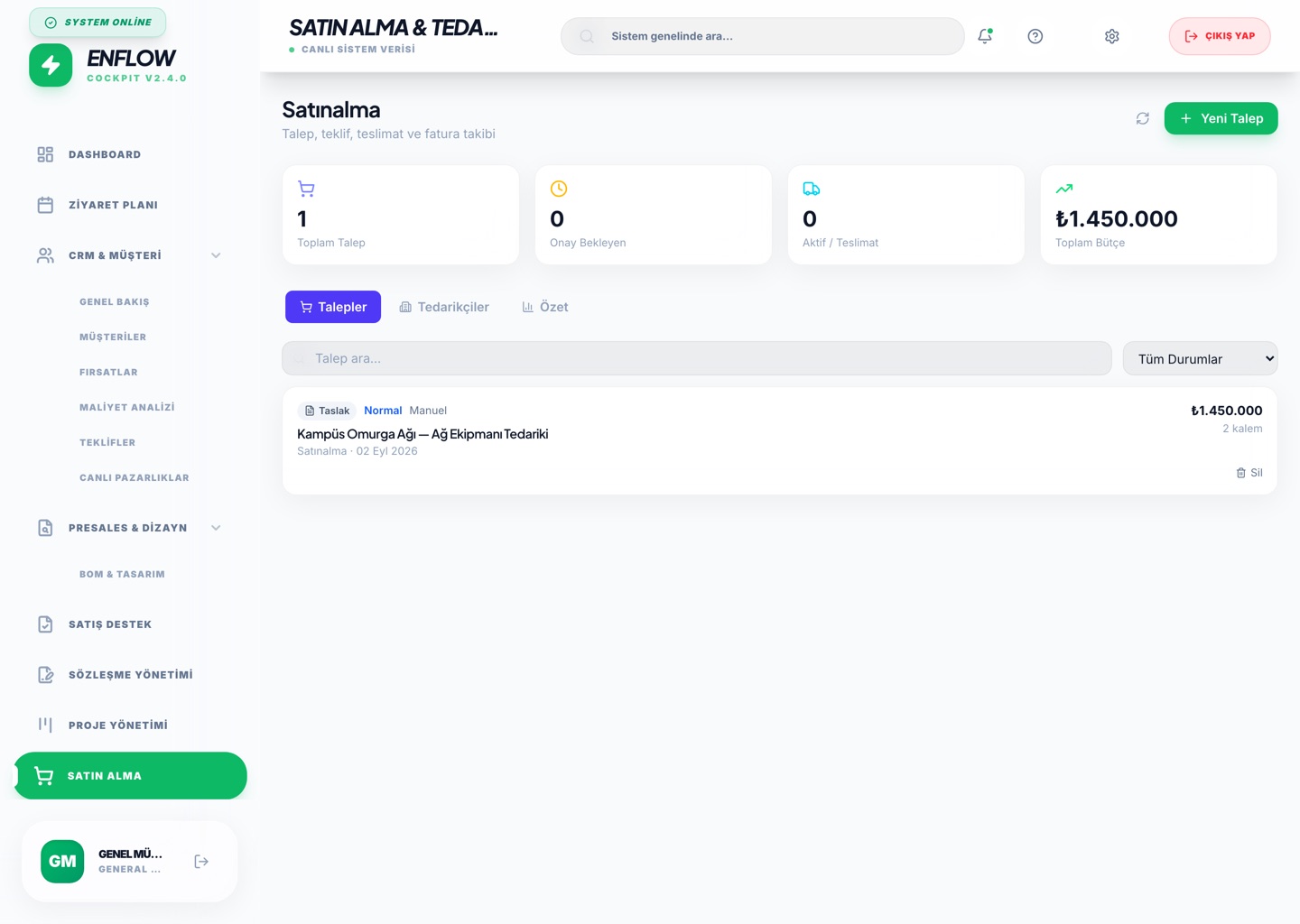
Procurement
BoMs handed off from Presales become purchase requests, and requests become purchase orders (PO). Every step is tracked with its status and pending approval.
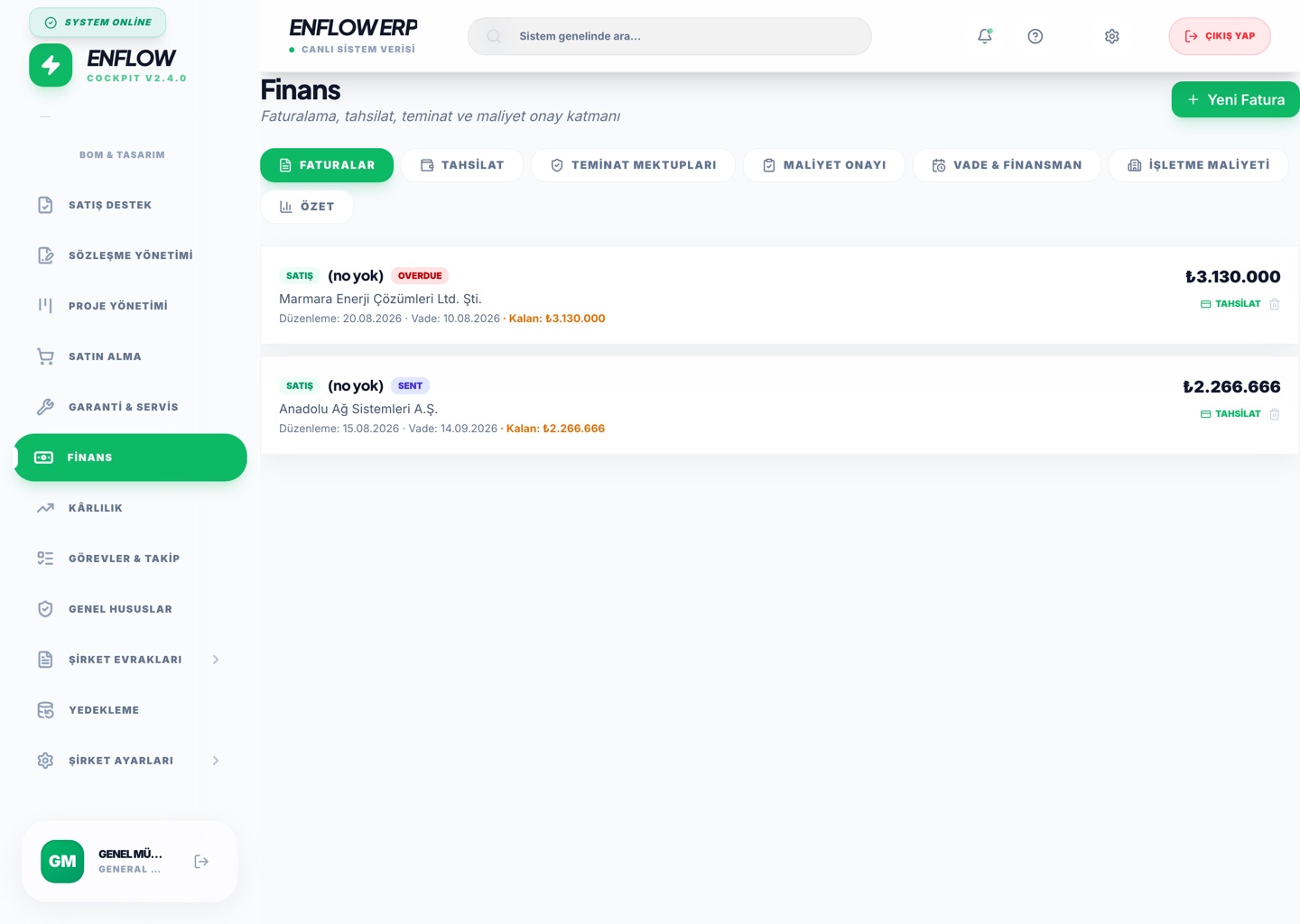
Finance
As contracts and projects progress, invoice lines are created. Receivables ageing, collections and letter-of-guarantee expiries are consolidated by currency on one panel.
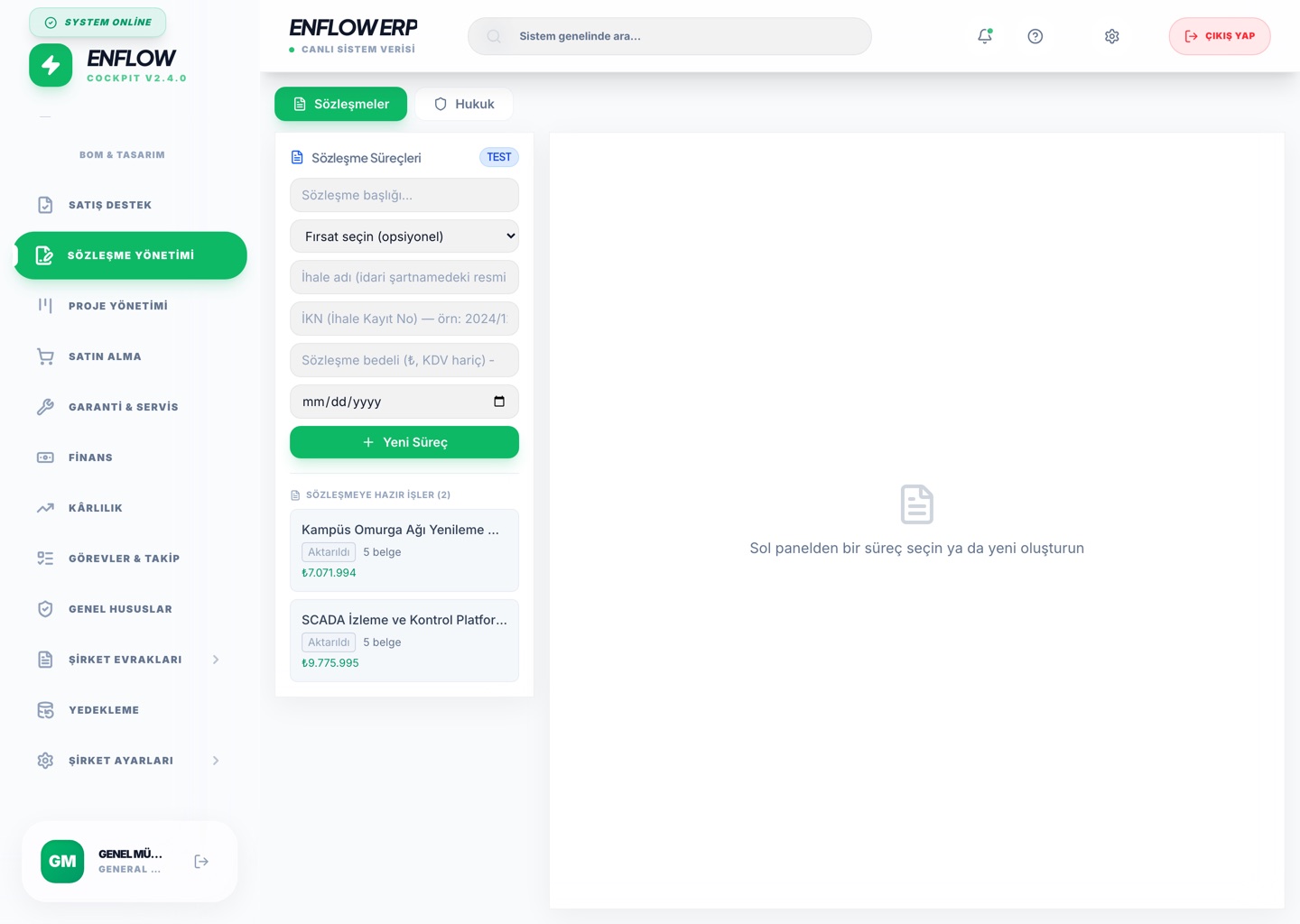
Contracts & Legal
A won tender drops into the contract process; when signature completes, the project record opens itself. Legal cases and file deadlines live in the same module on a separate tab.
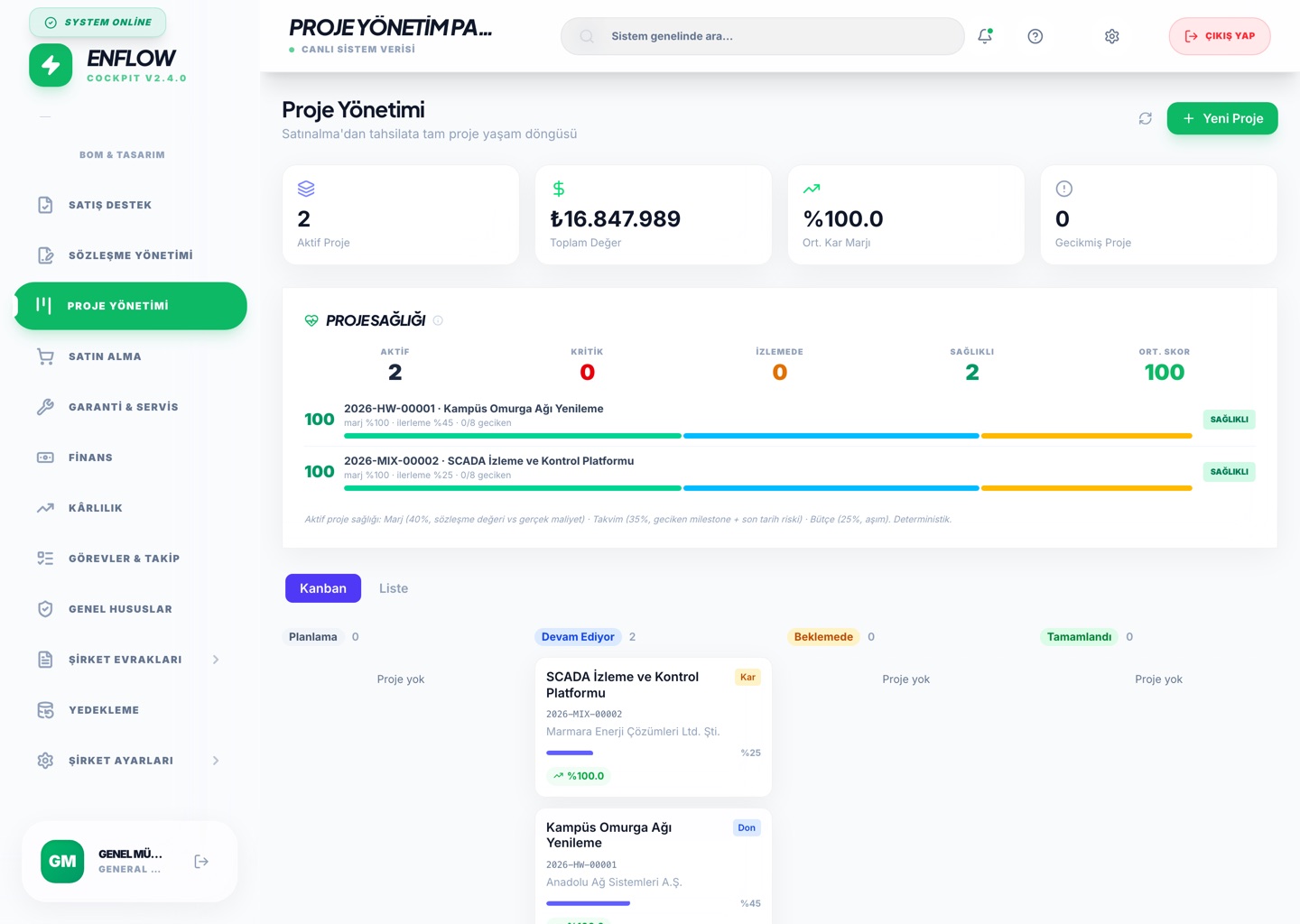
Project Management
Every signed contract becomes a project. Milestones, planned vs. actual margin and progress percentage are tracked; delays are escalated to management automatically.
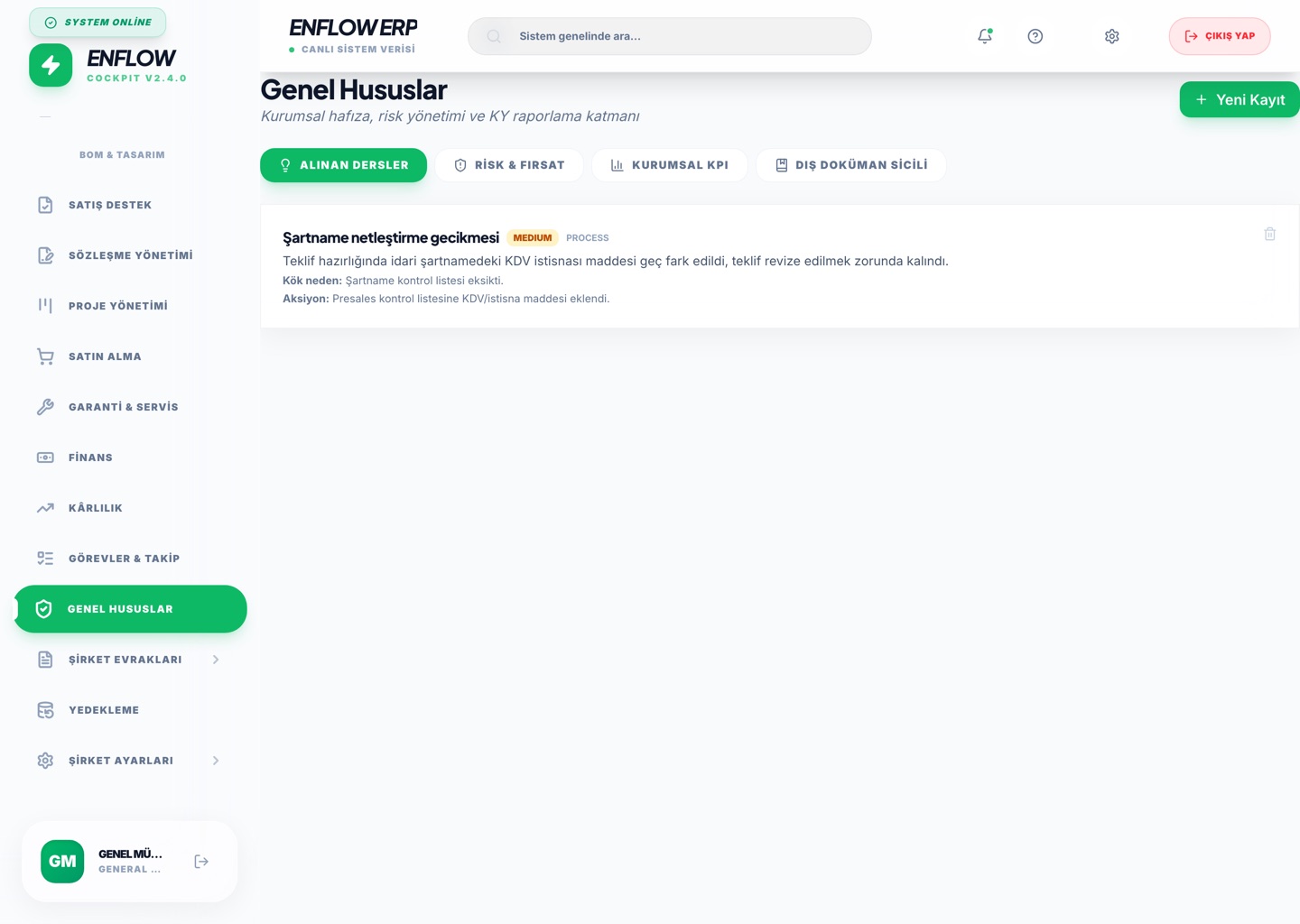
Corporate Governance
Lessons learned, a risk & opportunity register (1–25 matrix), corporate KPI targets and external-document records — with tenant-specific, atomically-sequenced automatic document numbering.
Process & Audit Transparency
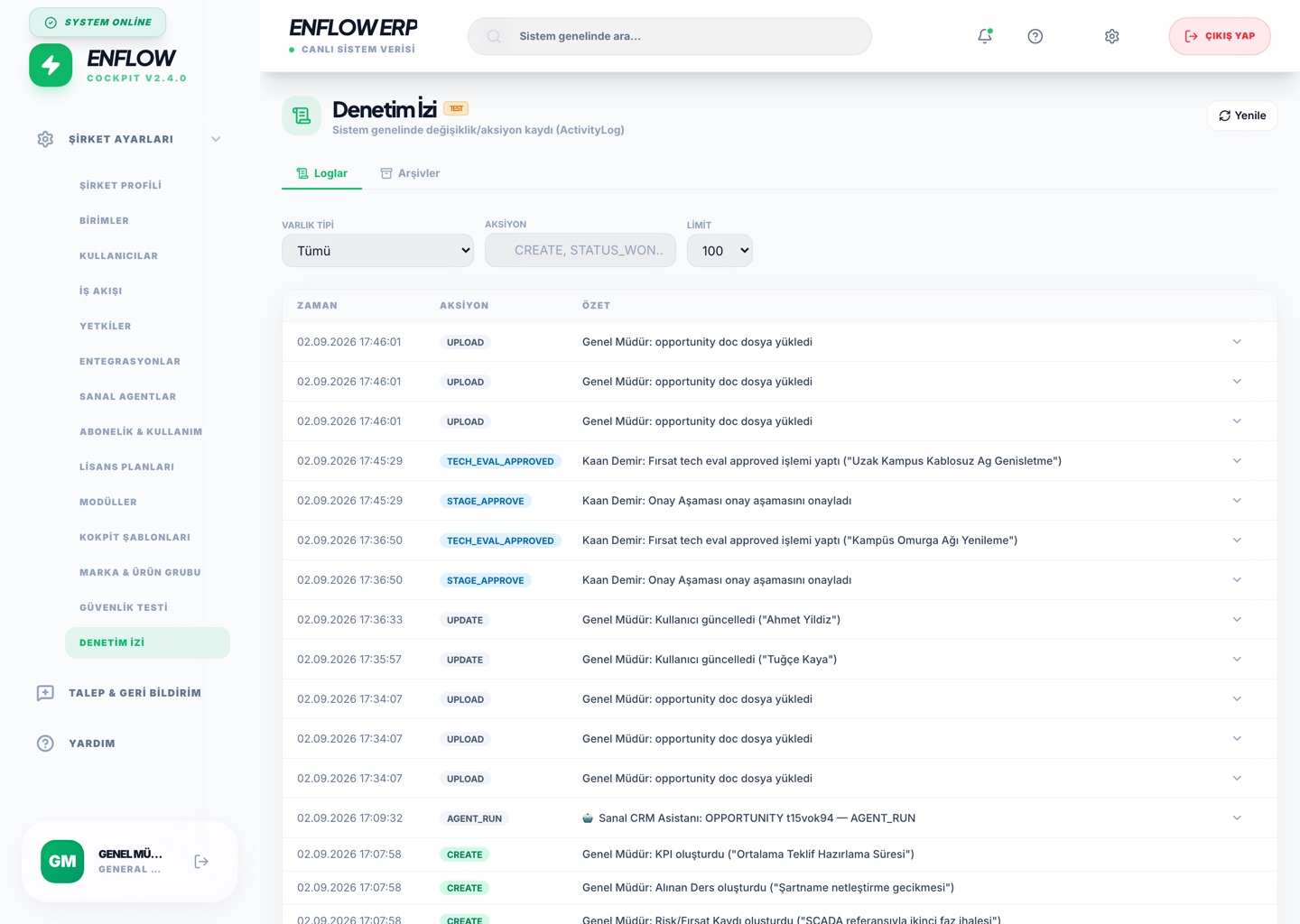
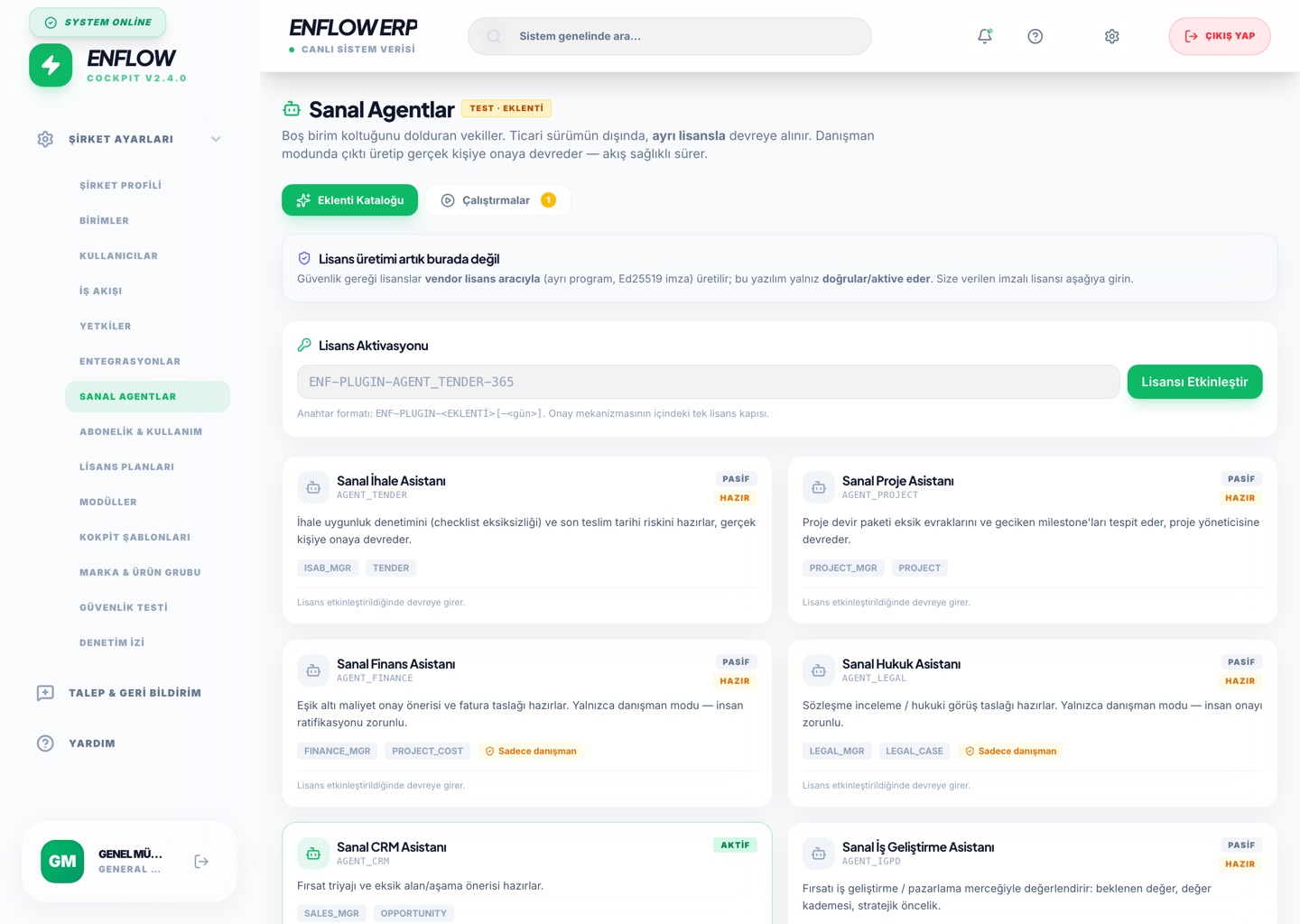
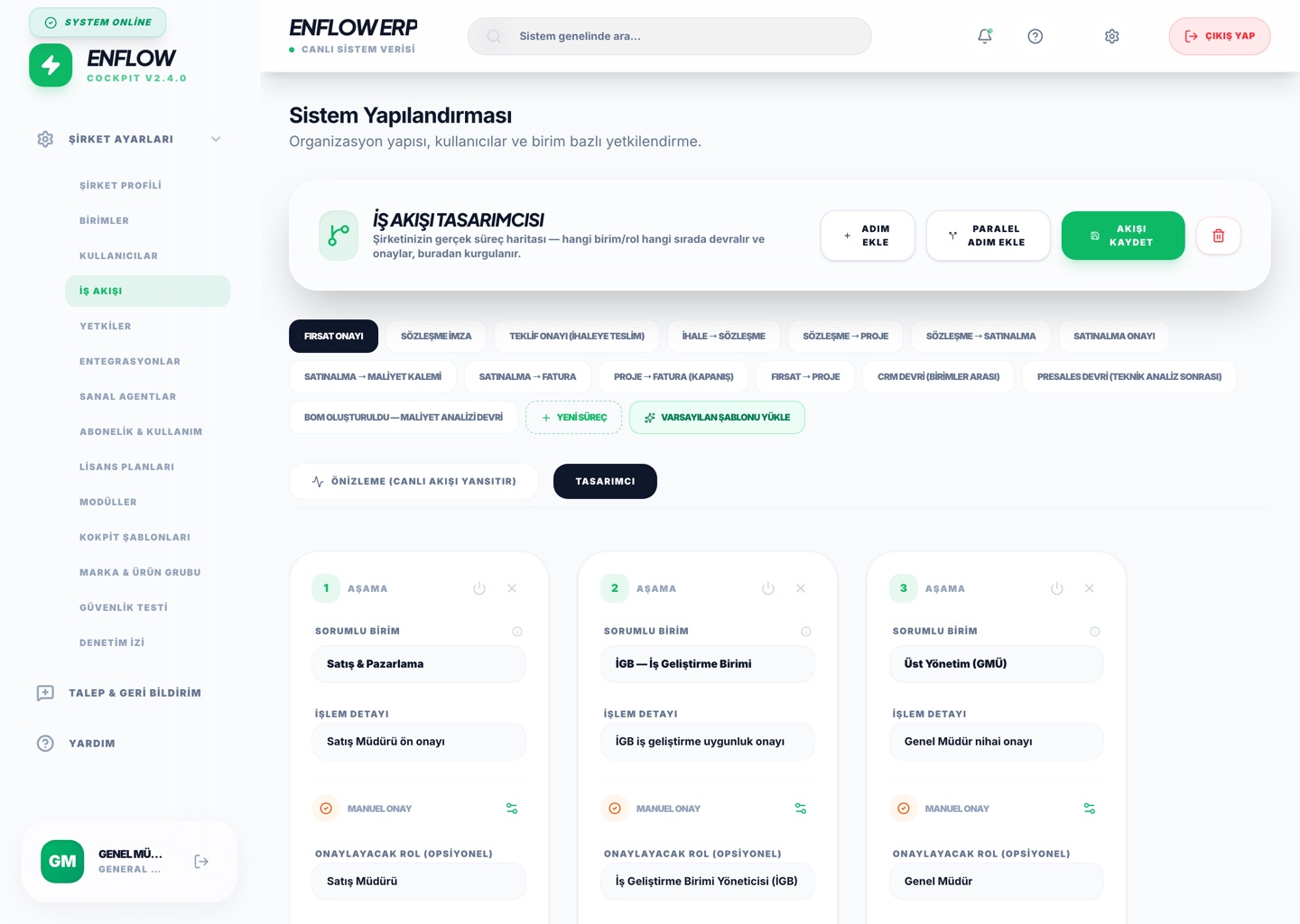
Every create/update/approve/hand-off event in the system is written to a timestamped audit trail. How processes are designed — and every decision of the virtual agents that fill empty seats — is visible and reversible.